Redesigned client portal
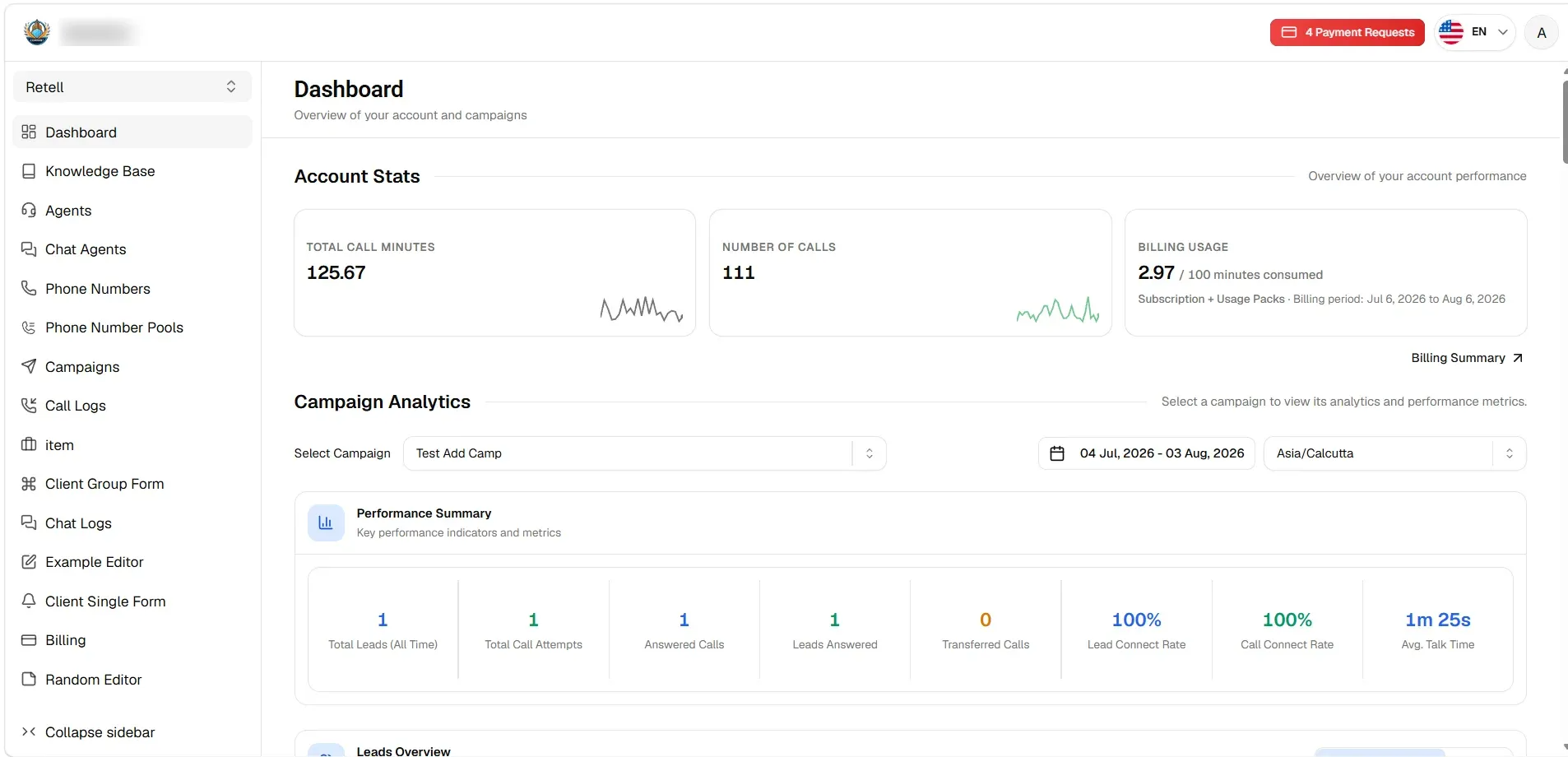
The client portal has been redesigned to match the rest of VoiceAIWrapper. Your clients get the same things as before, easier to find, and you still control what each of them sees.
What's new
Navigation. A sidebar that collapses for more room, with the workspace switcher at the top. Payment requests, language, and profile sit in the bar above.
Dashboard. Account and campaign figures on one screen:
Account Stats for call minutes, calls, and billing usage this period.
Campaign Analytics for any campaign, date range, and timezone, covering call attempts, answered calls, transfers, connect rates, and talk time.
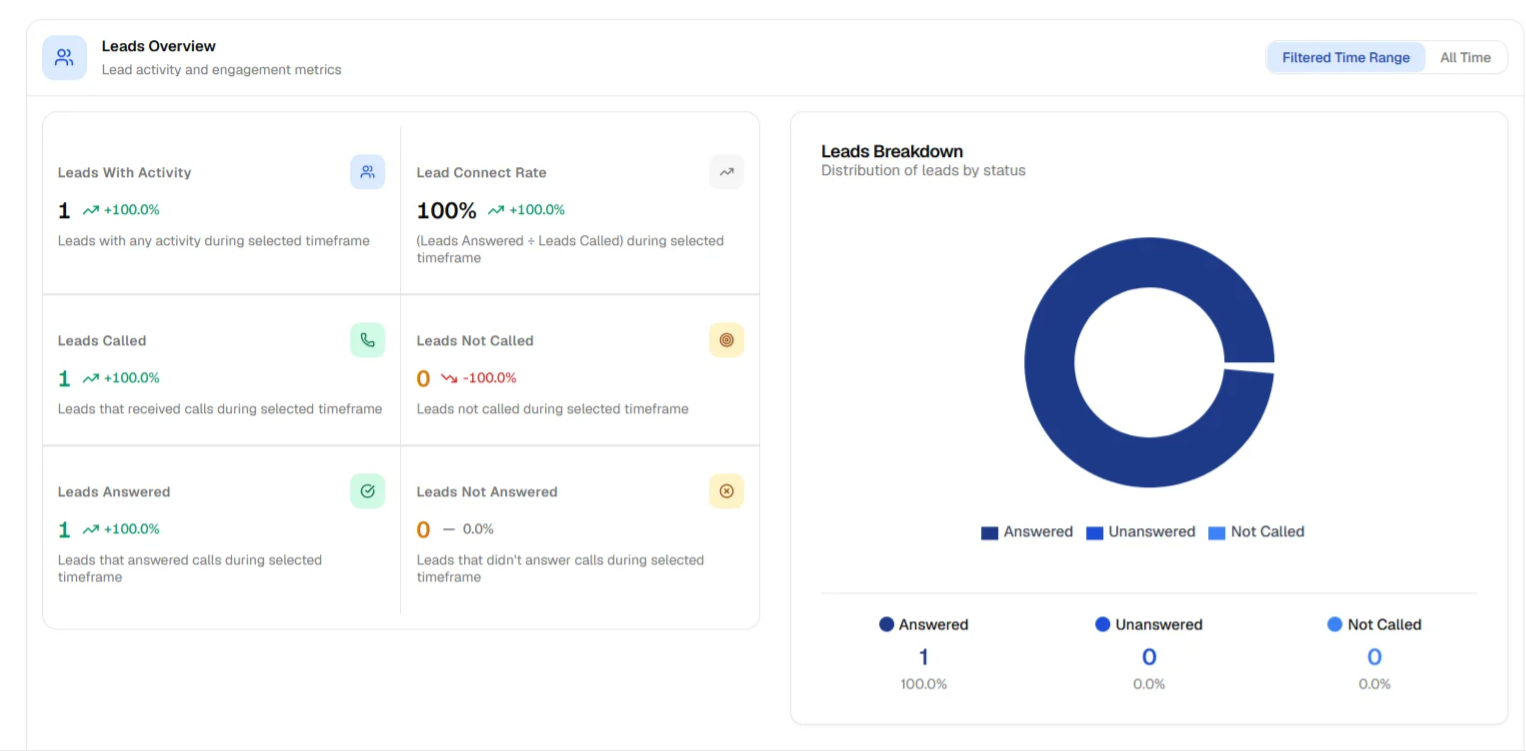
Leads Overview for leads called, answered, and unanswered, against the previous period or all time.
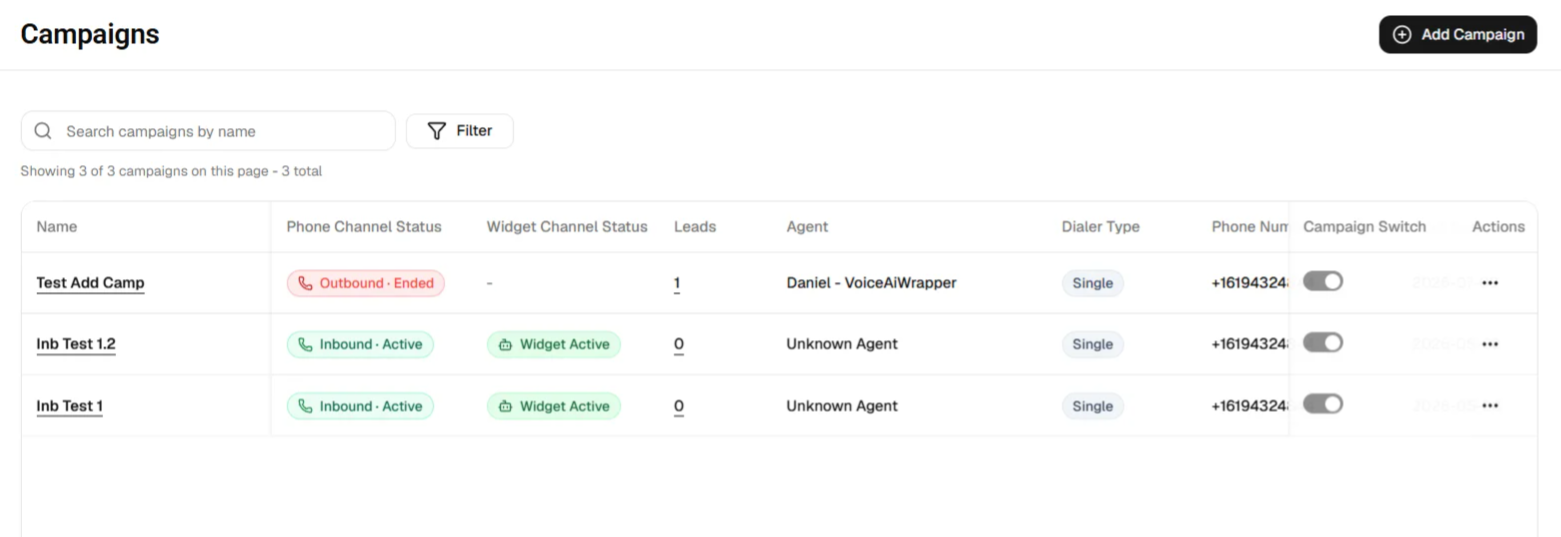
Campaigns. One searchable list. Phone status and widget status show side by side, next to leads, agent, dialer type, number, and the on/off switch.
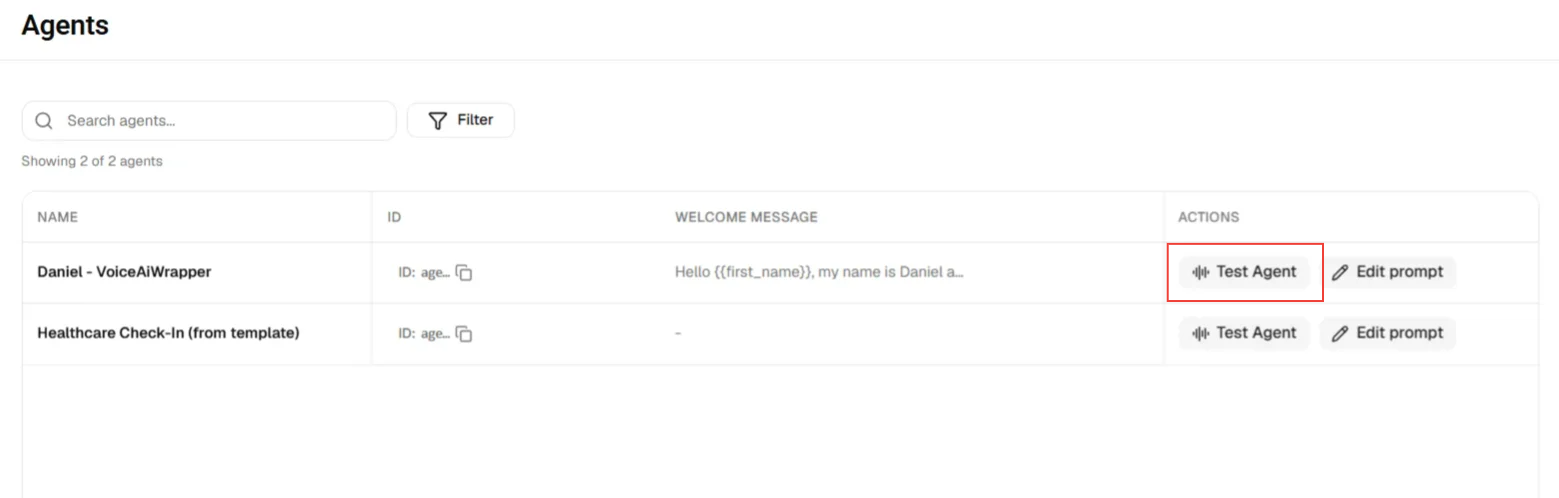
Agents and assets. Agents, Chat Agents, Knowledge Base, Phone Numbers, Phone Number Pools, Tools, Squads, and Workflows are all searchable lists that stay quick however long they get. Agents open in a side panel to edit the prompt or run "Test Agent".
Call logs and chat logs. Open one in a side panel and move straight to the next. Recordings show only if you allow them.
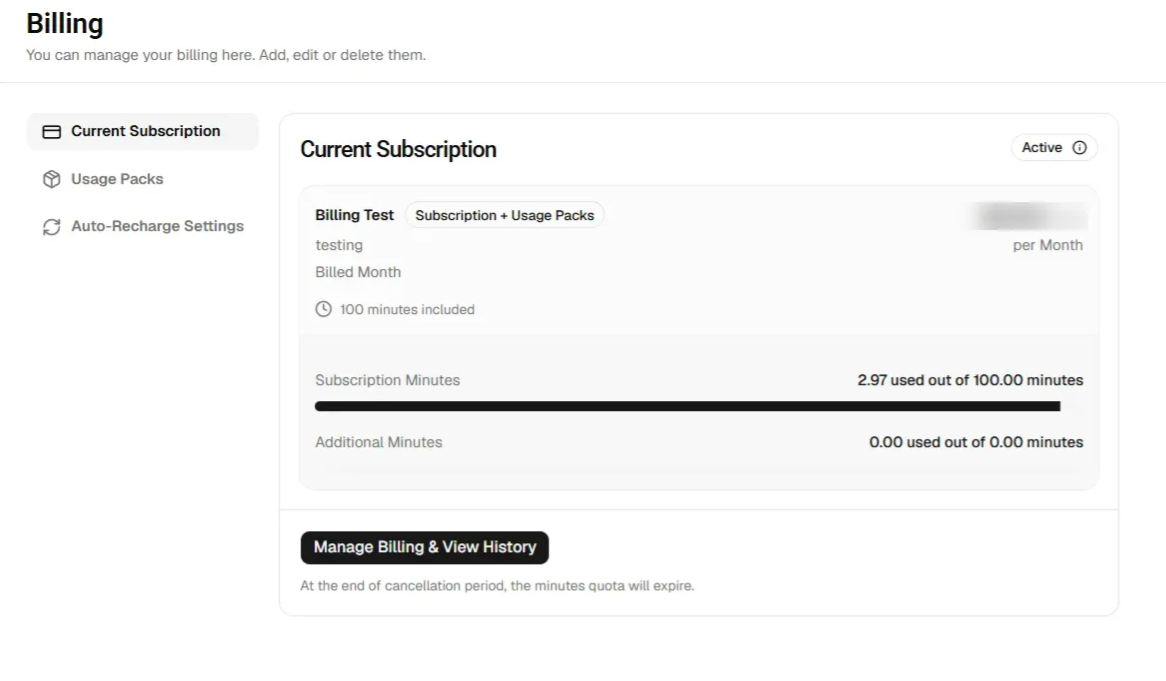
Billing. Three tabs: Current Subscription with included and extra minutes shown separately, Usage Packs, and Auto-Recharge Settings.
Forms and pages. Single and group forms redesigned to match. Custom pages now pick up your fonts and colours.
What your clients see. Unchanged. The menu still follows the workspace and the access you set under Workspaces. Provider names no longer appear in the portal.
Phone Number Pools show only on plans that include them.