Ultravox white label is now available
Ultravox joins Vapi, Retell, ElevenLabs, and Bolna as a supported voice provider. Here is what it covers, how it differs, and what it does not do yet.
What's included
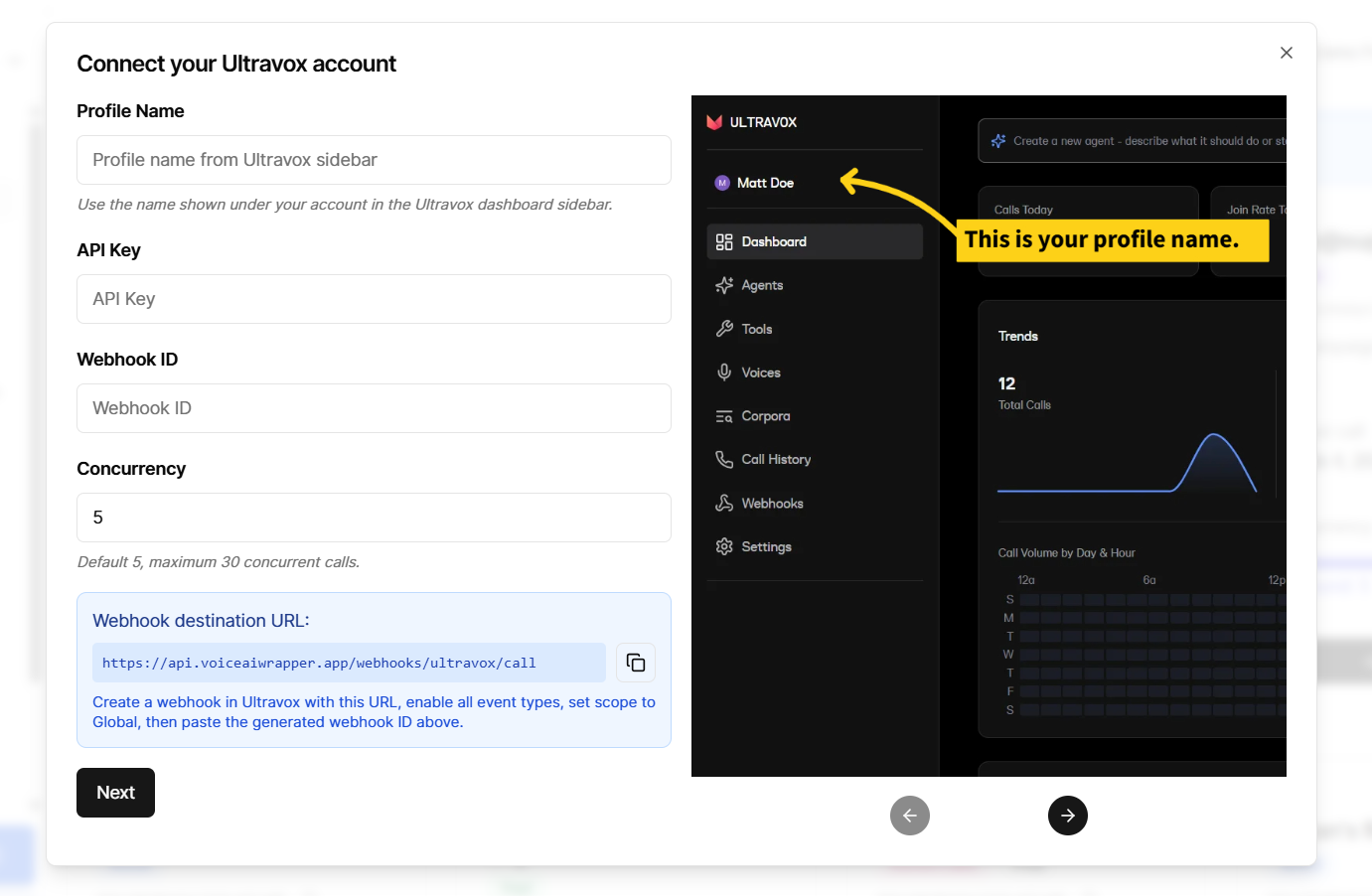
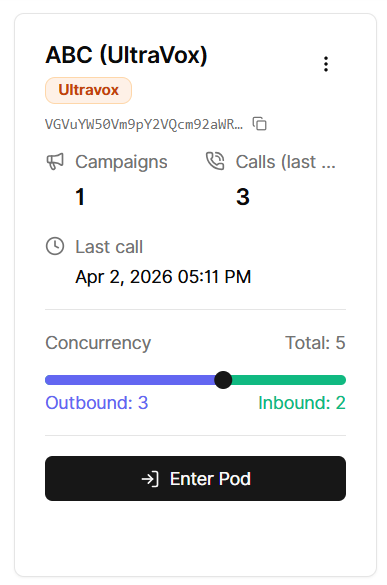
Connect
Go to Voice Providers, add your Ultravox API key, and use the webhook URL we provide. Ultravox sends call events to that endpoint — it needs to be set correctly for statuses, transcripts, and recordings to appear in the app.
Agents, knowledge bases, and tools
Your Ultravox agents, corpora, and tools are accessible from the app and can be selected when setting up campaigns or client access.
Phone number pools
Pools work with Twilio, Telnyx, and Plivo numbers. Add one or more E.164 numbers (e.g. +15551234567) under a pool, then assign the pool to a campaign.
Outbound campaigns
Ultravox supports outbound campaigns only. When you create a campaign, the Inbound option is disabled. Campaign settings include:
Which Ultravox agent to use
Telephony provider: Twilio, Telnyx, or Plivo — this must already be connected to your Ultravox account
Caller ID: an E.164 number (e.g.
+15551234567) that must exist in that telephony account and be configured for outbound use
Call logs
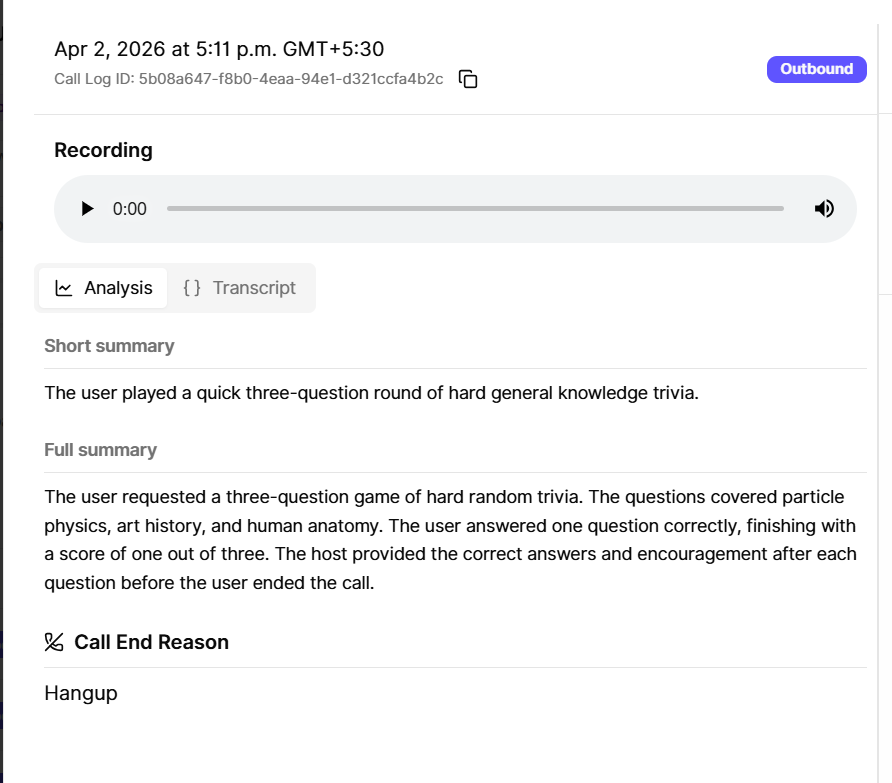
Calls show up in the call log with status, duration, transcript/summary (when available from Ultravox), and a recording link where applicable.
Dashboard
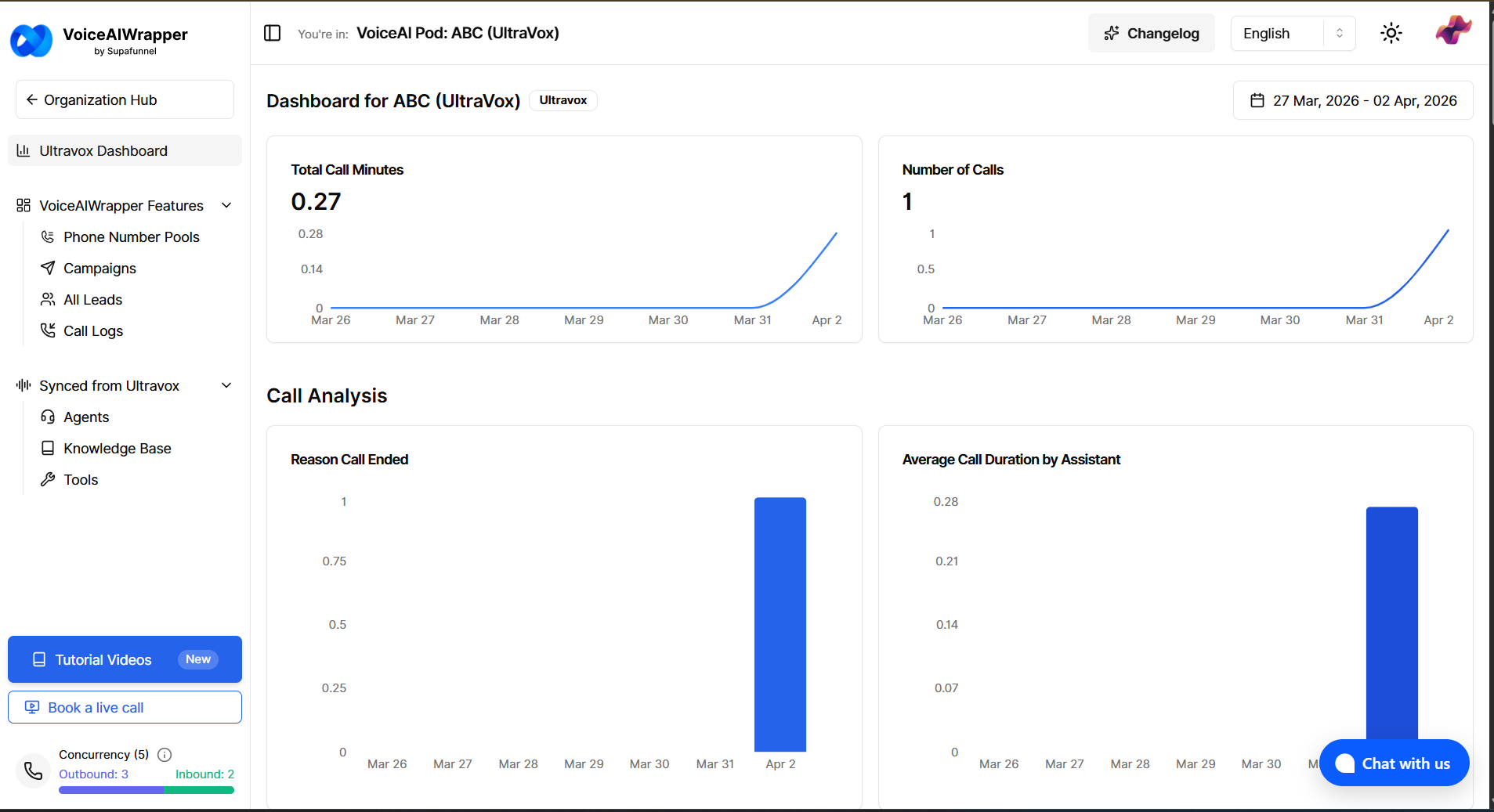
The provider dashboard shows call volume, duration, call outcomes, and leads over your selected date range.