External Billing Now Available
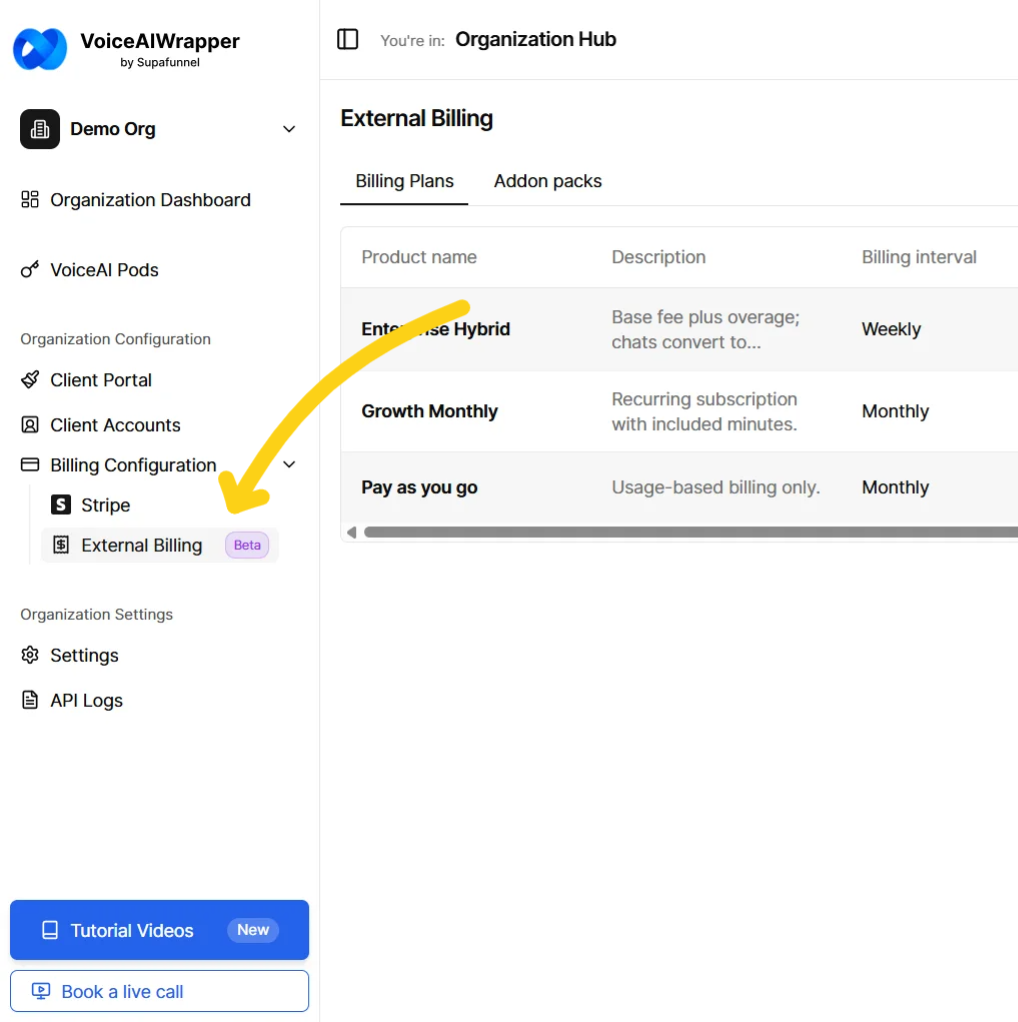
External Billing is now available for all users. Below is a summary of what shipped.
What's new
Billing plans
Create plans with a flat recurring fee, a per-minute overage rate, or both.
Configure included minutes per period, billing rhythm (Daily / Weekly / Monthly / Yearly), currency, payment due window, and grace period.
Enable or disable add-on pack purchasing per plan.
Optional chat mode with a configurable minutes-to-chats conversion rate.

Client plan assignment
Assign any active plan from your catalog to a client from their Billing tab.
Plan terms are snapshotted at subscription start - editing the catalog does not affect running subscriptions.
Remove and reassign plans at any time (requires no active subscription).

Subscriptions
Start subscriptions manually from the agency side or allow clients to initiate from their portal.
Four subscription statuses: Active, Past Due, Blocked, Canceled.
Automatic period renewal at period end - creates new payment requests, resets included minutes.
Automatic campaign pausing and resuming tied to payment and usage state.

Add-on packs
Create named packs with a fixed minute count and price.
Assign one or more packs per client (clients only see what you assign).
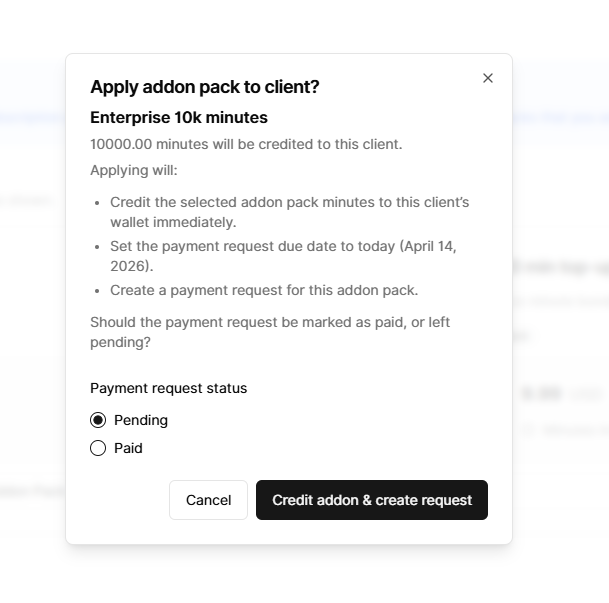
Apply a pack at any time: credits the client's wallet immediately and creates a Pack payment request.
Choose whether the payment request starts as Pending or Paid when applying.
Wallet balance never expires and persists across billing periods.
Payment requests
Two types: Cycle (generated automatically at period start/end) and Pack (generated on apply).
Two cycle kinds: Recurring (flat fee) and Usage (per-minute overage).
Statuses: Pending, Paid, Overdue, Failed, Canceled — all manually managed by the agency.
Grace period tracking for Cycle requests; no grace period for Pack requests.
Amount breakdown hover card for requests with multiple line items.
Optional external reference ID field for recording your own transaction identifiers.

Usage tracking
Three-pool consumption order: Included → Wallet → Billable.
Live progress bar for included minutes (with amber warning at 90%).
Wallet balance display with "Never expires" indicator.
Billable excess display with per-minute rate shown.
Chat-equivalent conversions shown wherever minute amounts appear.
Client portal
Dedicated Billing page visible to client users.
Displays current plan, status badge with tooltip, pricing grid, and billing period.
Usage This Period card with progress bars and chat equivalents.
Available Add-On Packs catalog (read-only; purchase via agency).
Full payment requests table with status tooltips and due/grace date details.
Status banners for outstanding balance, Past Due, and Blocked states.

Access control
Portal and campaign access are gated by subscription and payment state automatically.
Blocked reasons: client disabled, payment overdue, subscription blocked, no subscription started.
Campaigns resume automatically when the payment issue is resolved and minute pools are available.
Some points to note
Payment collection is fully manual — the platform does not process payments or send automated payment links. You collect payment outside the system and mark requests as paid.
A blocked subscription must be canceled and a new one started to reactivate the client — there is no in-place unblock action.
Unused included minutes do not carry over at period end.
Pack requests do not participate in the grace period / subscription block logic.
To learn more about it, you can refer to our docs: https://docs.voiceaiwrapper.app/documentation/billing/overview