Form Builder Export & Import
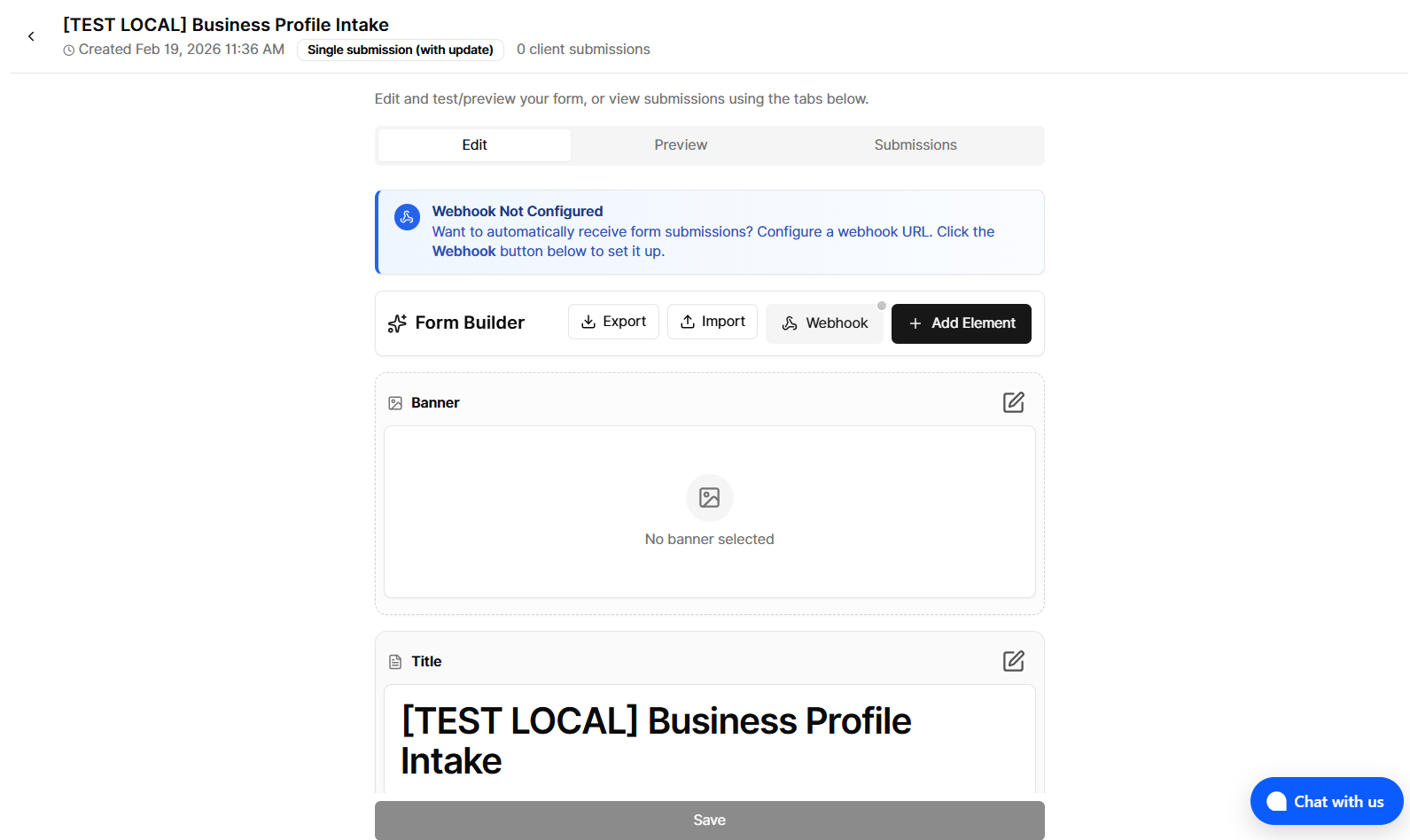
We’ve added export and import support to the form builder. ( Form Builder is available on the Pro plan)
You can now download the current form configuration as a JSON file and later load it back into the form builder or share it across environments and accounts.
Key Features
One-click export — Downloads the current form as a JSON file, including fields, layout (rows/columns), buttons, and success screen configuration.
Safe import with validation — Imports JSON files and validates them against the form schema; invalid files are rejected with a clear validation message.
Atomic load — On successful validation, the imported form replaces the current builder state in one step.
Re-import friendly — The file input resets automatically so you can re-import the same file after making changes.
What’s Included
Form content — Title, description, banner, all supported field types, and their configuration (labels, placeholders, options, validation, etc.).
Behavior & UI — Button configuration, success screen content, and success behavior type.
Usage
Export — From the form builder, use the export option to download the current form as a JSON file.
Import — Use the import option to select a previously exported JSON file; if the file passes validation, the form builder will load it into the editor.