Send client login credentials over email
Whats new
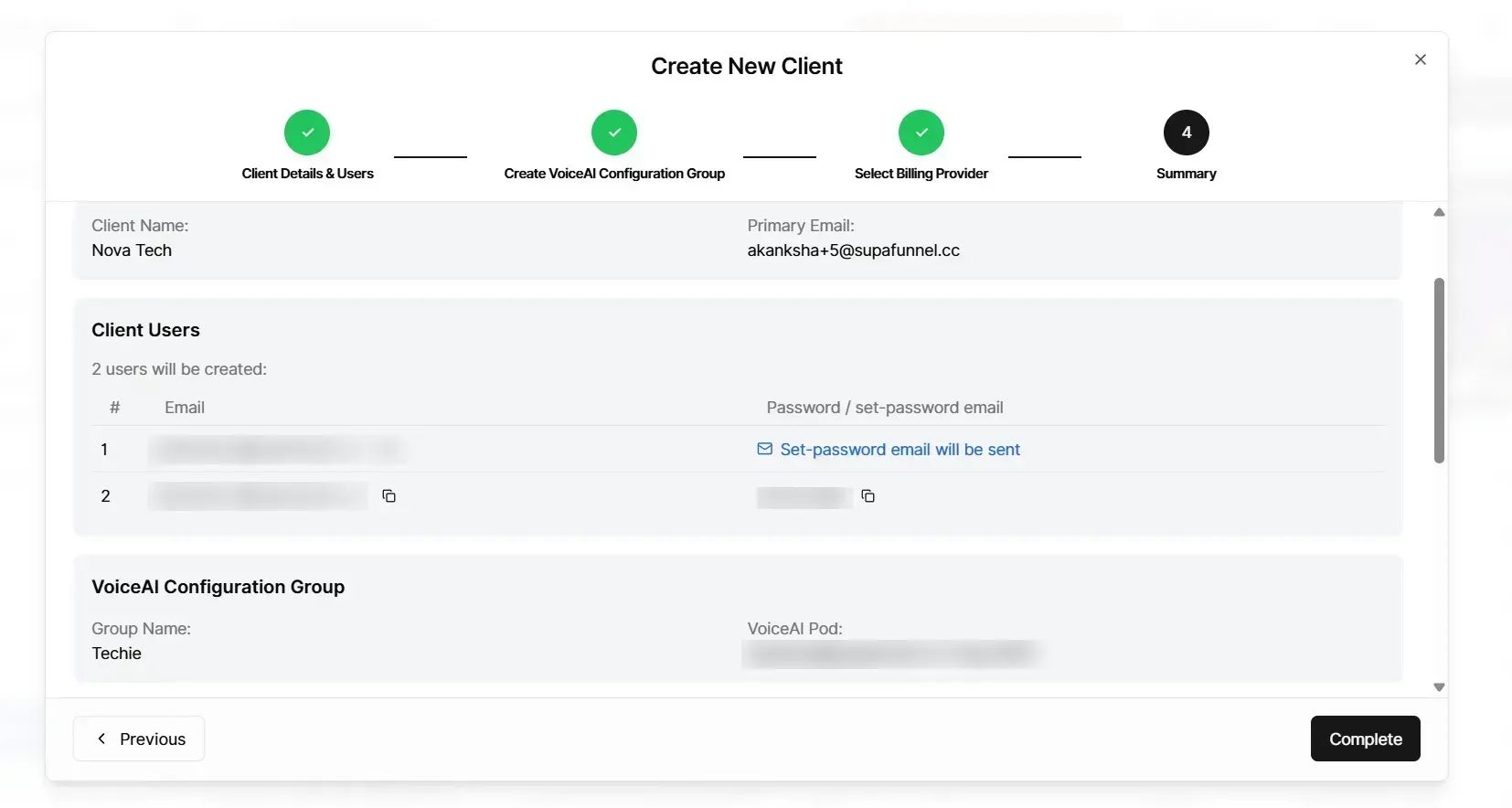
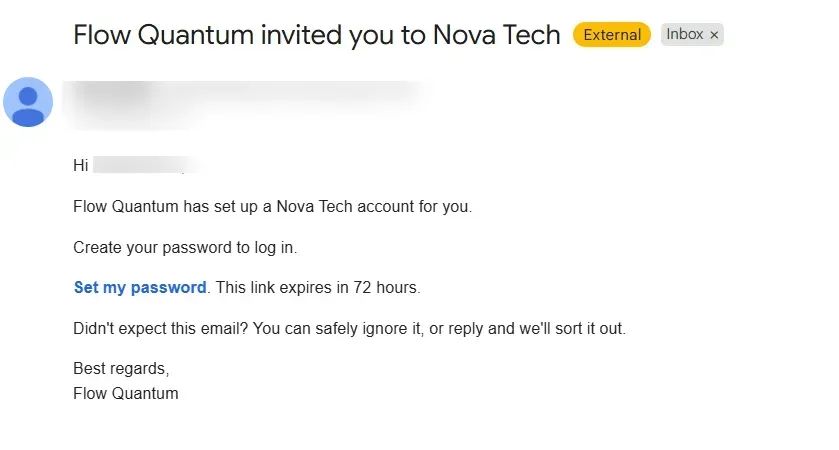
When you add a client user, you can choose to have the system email them a link so they can choose their own password. You can also send that email again for someone who has not completed password setup.
What you can do
Choose to send a set-password email when you create a new client user, instead of entering a password in the form.
Create a user and use the “Create user and send set-password email” action when that option is on.
Resend the set-password email for a user who still needs to set a password, so they get a new link (earlier links stop working when you resend, per the in-app success message).
Rely on the in-screen messages that explain when the option is not available, or to set a password yourself instead.
Notes
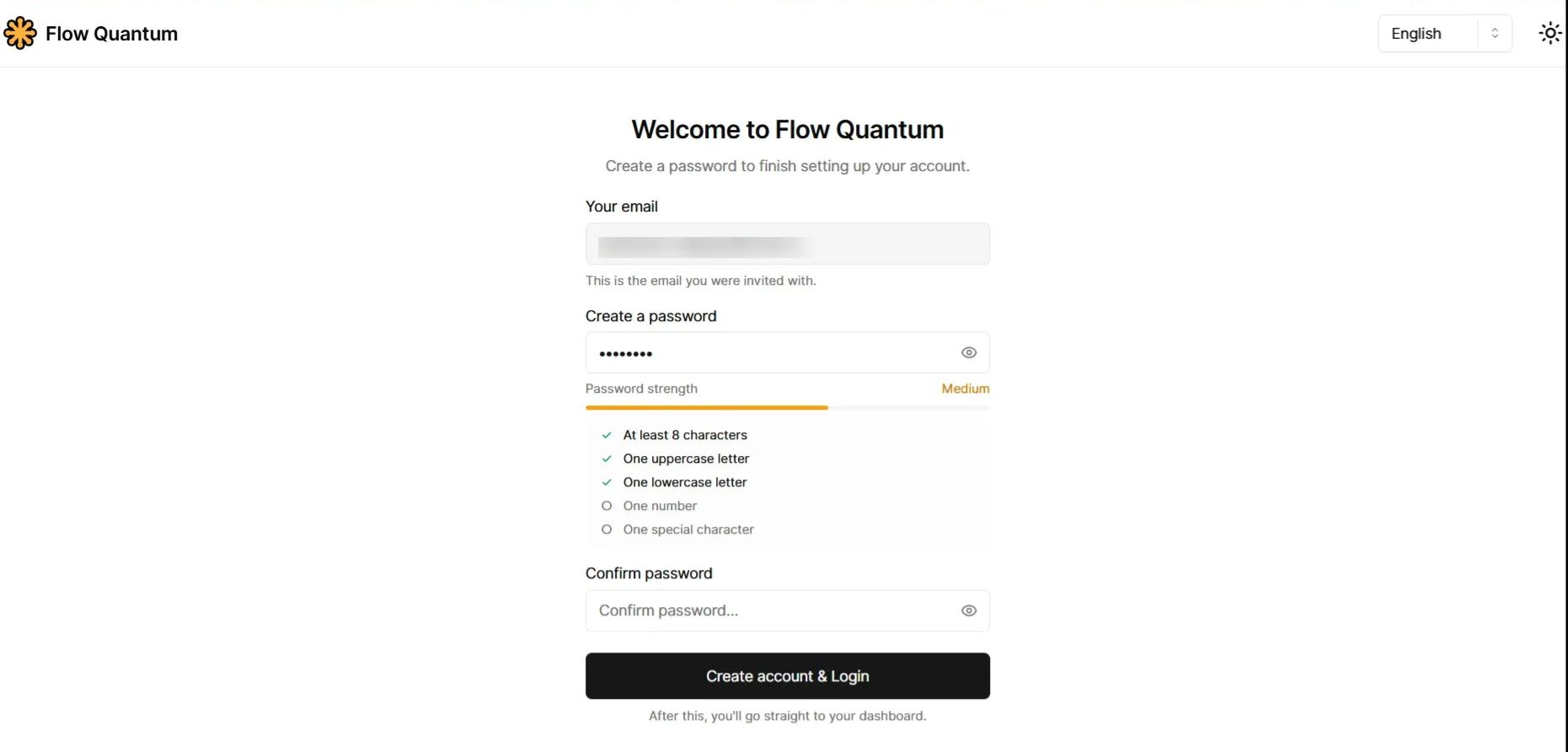
The message is a link for the client to set their password, not a ready-made password sent in the email.
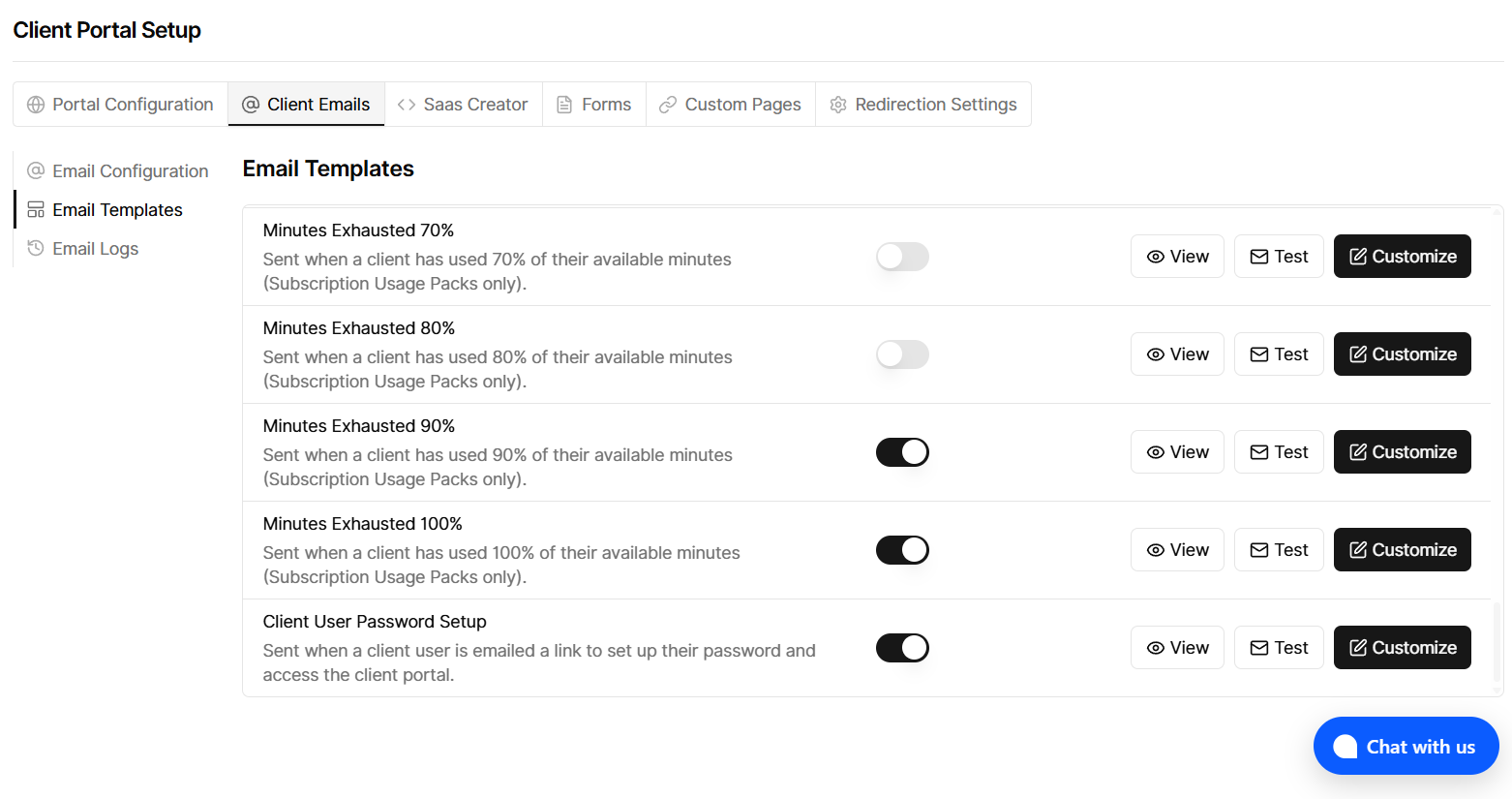
The send-by-email option is only available when your side is set up to send this kind of message; otherwise you can create the user with a password and share it outside the app (as described in the form).
Who this is for
You no longer need to manually share login credentials. Client users can receive a secure link to set up their own password directly, reducing manual steps and improving account security.