VAPI Chat Widget (available from Scale onwards)
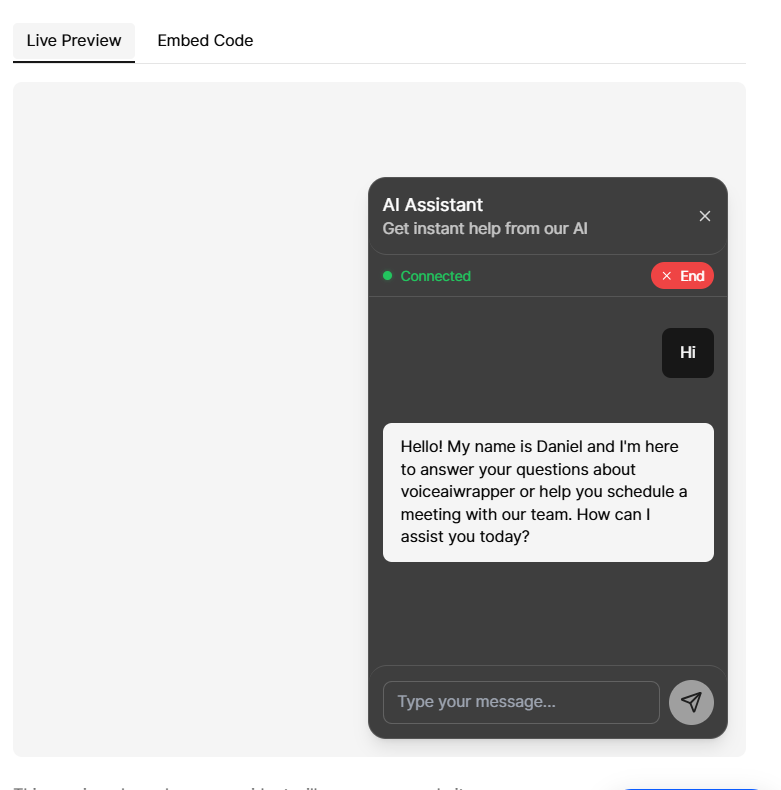
We've added a text-based chat widget powered by VAPI to web widgets in inbound campaigns. This feature is now available for VAPI voice pods.
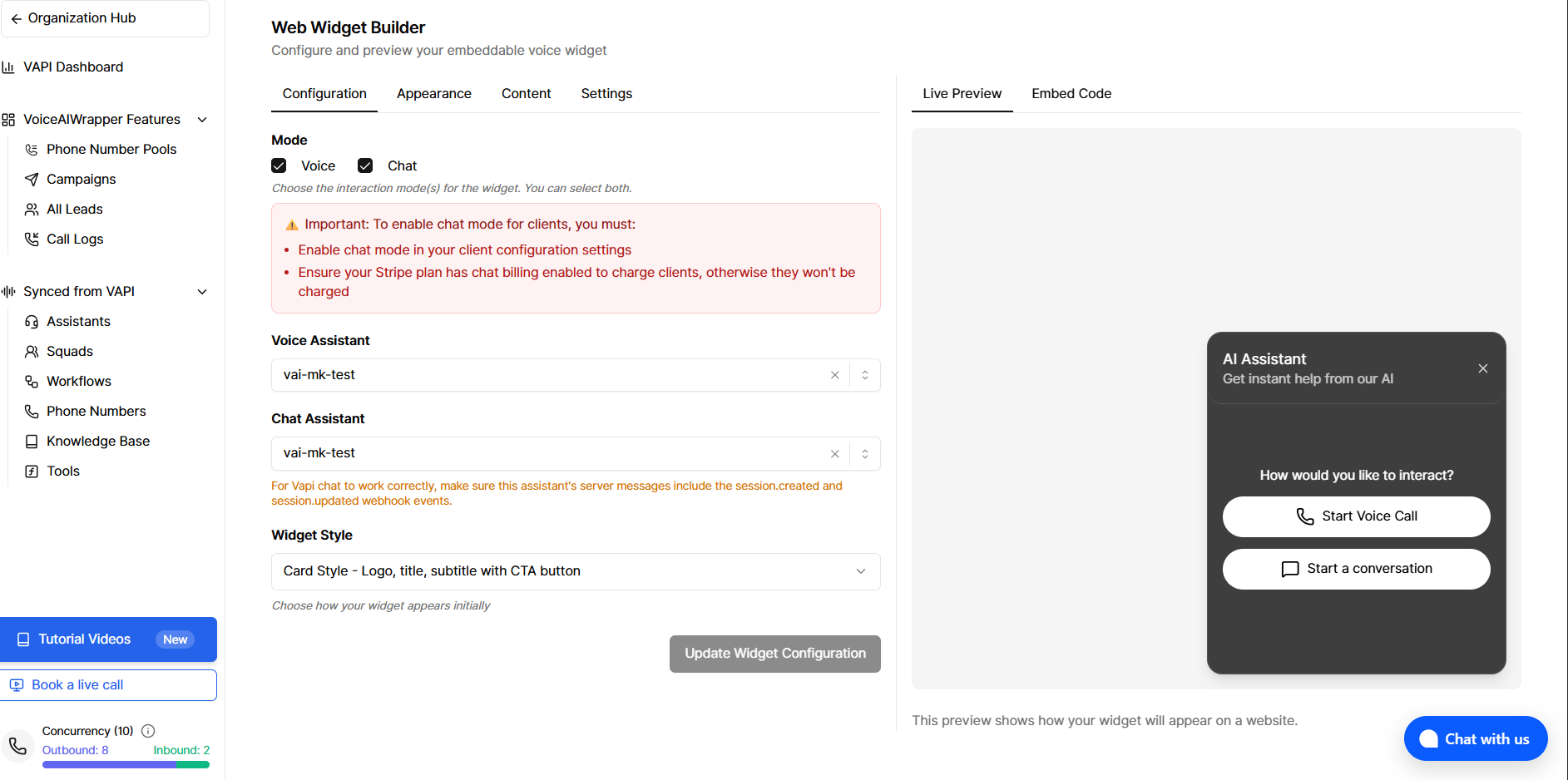
You can configure chat and voice simultaneously (both enabled), or choose either chat-only or voice-only modes. Visitors can chat with your AI agent directly on your website without voice calls. For VAPI, the same assistant can be used for both voice and chat; you can set a dedicated chat assistant in widget settings or leave it to fall back to the voice assistant.
Key Features
Backend-proxied messaging — Create session, send messages, and end session via our API; the VAPI private key stays on the server
Customizable appearance — Match your brand colors, logo, and styling
Connection status indicator — Visual indicator shows when connected
Manual end — End chats anytime with the "End" button
Auto-disconnect — Sessions automatically end after inactivity (default: 3 minutes, configurable 1–60 minutes)
Minimize widget bubble — Minimize the widget to a small bubble while keeping it accessible
Session lifecycle — Session ends when the visitor closes the tab, switches away (visibility hidden), or collapses the widget
Webhooks (VAPI assistant configuration)
Chat sessions are tracked and billed when VAPI sends session lifecycle events to your assistant webhook (the same URL used for voice). In the VAPI assistant's server messages, include the session.created and session.updated webhook events. Without these, chat sessions will not be logged or billed.
session.created — Creates a chat interaction log and marks the session active.
session.updated (status completed) — Finalises billing, updates the log with cost and equivalent minutes, and marks the session ended. Duplicate completion events are ignored.
Billing & Pricing
Chat interactions are converted to equivalent minutes based on your subscription's chat-to-minute conversion rate.
Billing follows the same system as voice calls, with chats converted to minutes for consistent tracking. Chat must be enabled in your subscription to use this feature.
Important: Chats will only be charged to clients if their Stripe product plan has chat billing enabled; otherwise, usage will not be charged.
Configuration Options
You can customize inactivity timeout, chat placeholder text, connection status text, button colors and styling, widget size and position, and header content (logo, title, subtitle) to match your brand.
Client Account Configurations & Chat Management
Client Account Configurations — Enable chat functionality for clients through Client Account Configurations. Chat must be enabled in the client's account configuration settings to use this feature. Note: To ensure chat sessions are billed correctly, verify that chat billing is enabled in the client's Stripe product plan; otherwise, usage will not be charged.
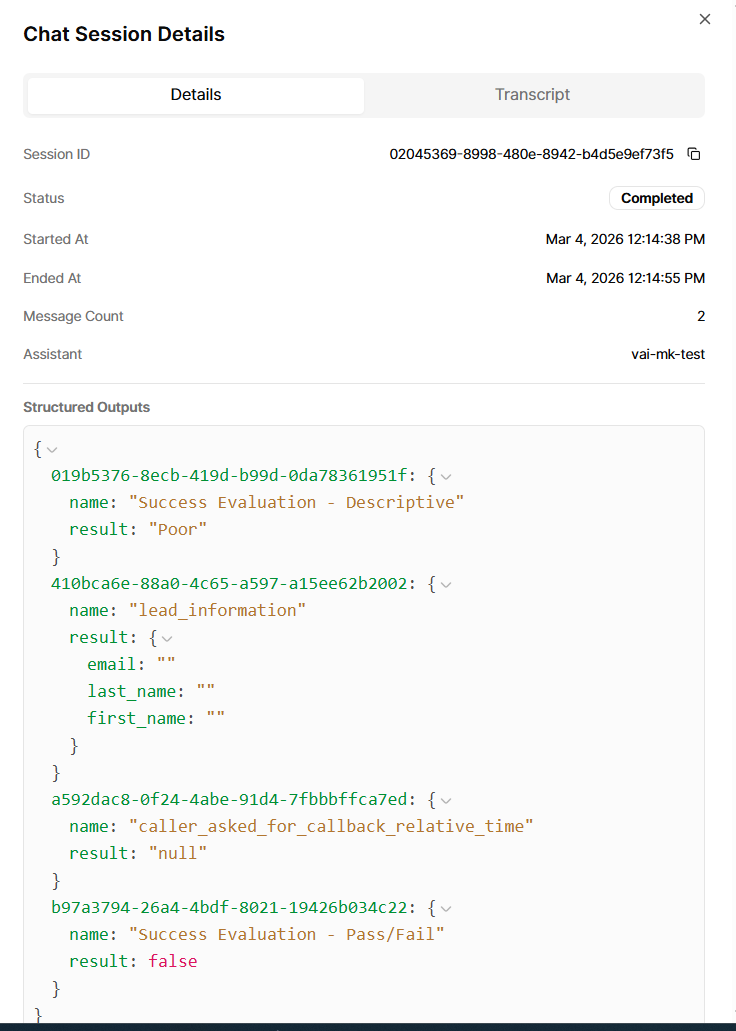
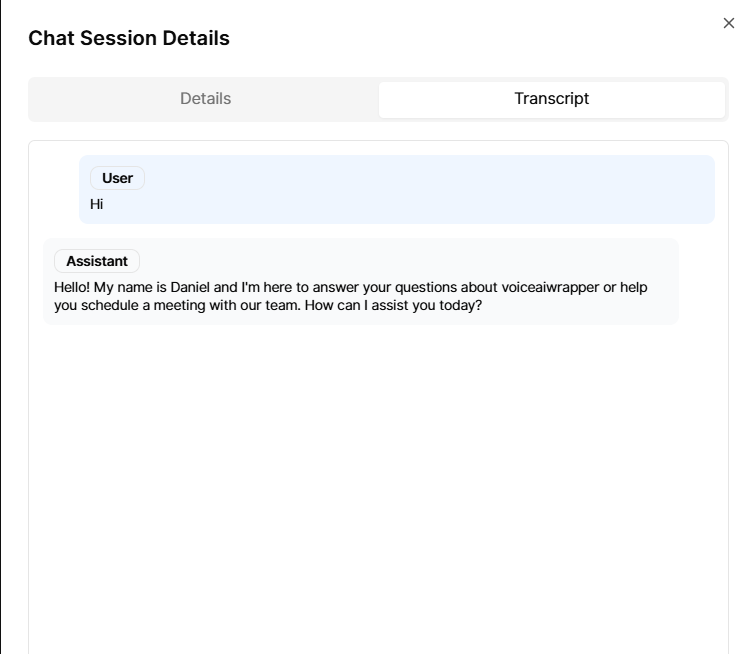
Chat logs — All chat conversations are logged and can be viewed in the campaign chat logs section, providing full visibility into visitor interactions.
Chat log exports — Export chat logs for analysis, reporting, or record-keeping purposes. Export functionality is configurable for clients through Client Account Configurations, allowing you to control which clients can export conversation data in various formats.
Getting Started
The chat widget can be configured alongside voice calls (both enabled), or you can choose to enable only chat or only voice in your inbound campaign web widget settings.
When both are enabled, visitors can choose their preferred interaction method. Configure it in your campaign widget settings to add text-based chats to your website. For VAPI, you can use the same assistant for voice and chat; if you set a chat assistant, it is used for chat and the voice assistant for voice.
Note: This feature uses VAPI's session (chat) API. All chats are logged and billed according to your subscription plan. Ensure the VAPI assistant used for chat has
session.createdandsession.updatedwebhook events configured so that sessions are tracked and billed correctly.